Aim & settings
Keep in-game camera sensitivity at the default 1 and adjust on your mouse instead. Most aim gains come from crosshair placement, scoping at range and a two-minute warm-up — crosshair customization has been in settings since the March 2026 Update 2.
Most One Tap players blame their aim. The honest answer is that One Tap aim is a small part mouse control, and a much bigger part decisions made before the shot: where your crosshair sits, when you scope, and which duels you take. This page covers both halves — settings first, then the habits.
Settings: what actually matters
Shooter settings menus are usually rabbit holes. One Tap's is short, and experienced players keep it boring on purpose:
- In-game camera sensitivity: leave it at 1. The default feeds the standard Roblox camera math, and the players who swear by it adjust on the mouse side instead — DPI or mouse software — because that's where you can tune in consistent steps. There's a reset-to-default button for a reason; chasing the "perfect" in-game number is how you lose weeks.
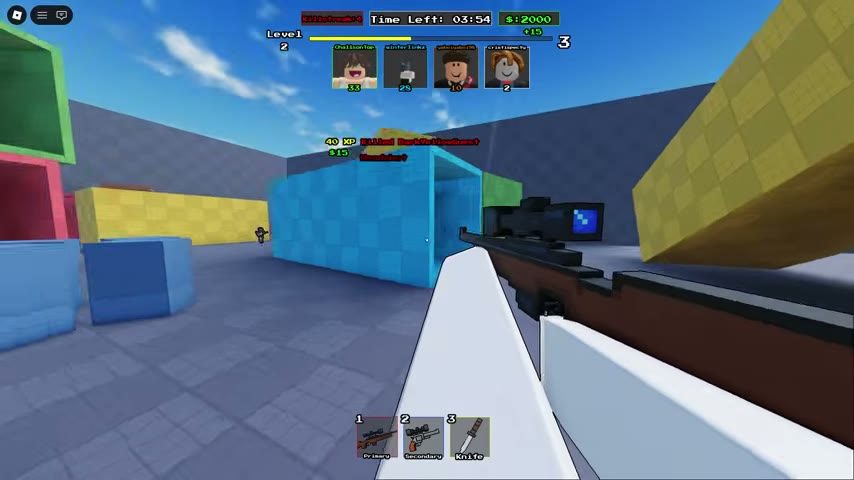
- Crosshair: small and loud. Custom crosshairs arrived with Update 2. A small cross with a strong outline reads fastest against One Tap's bright maps — big spreads and low-contrast colors end up covering the enemy instead of pointing at them.
- Trim screen noise. Anything that animates in the middle of your view during a shot is working against you. Fewer effects, clearer picture.
Scope discipline
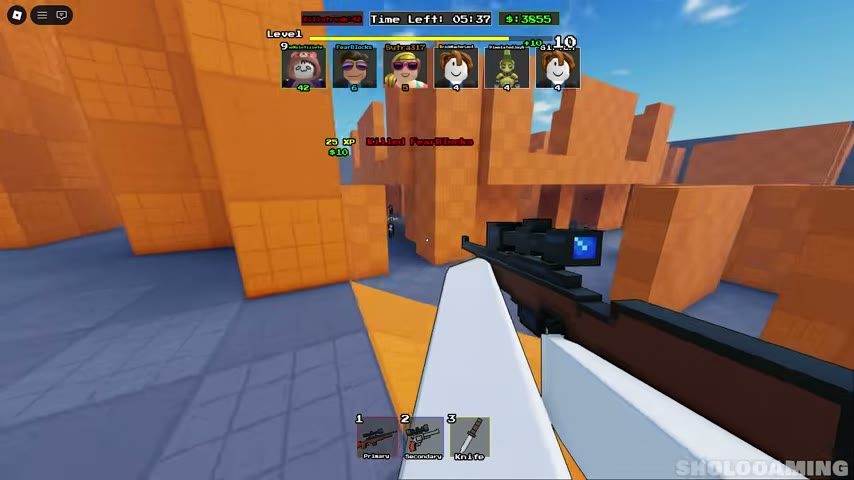
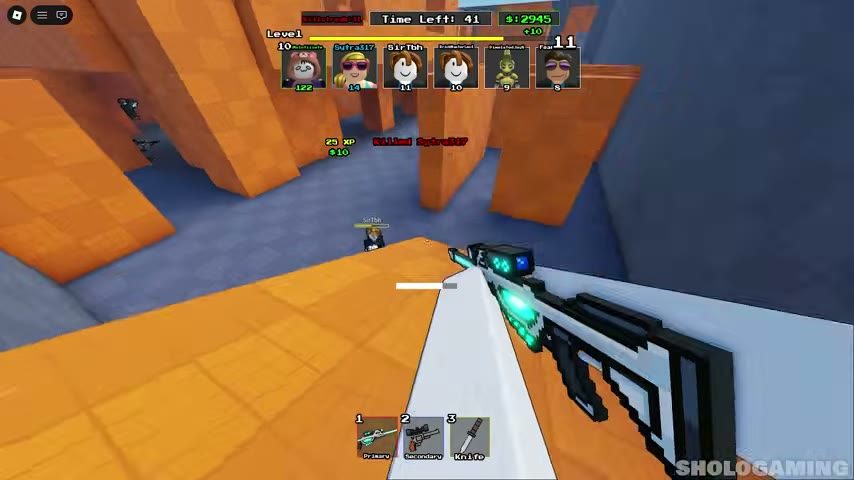
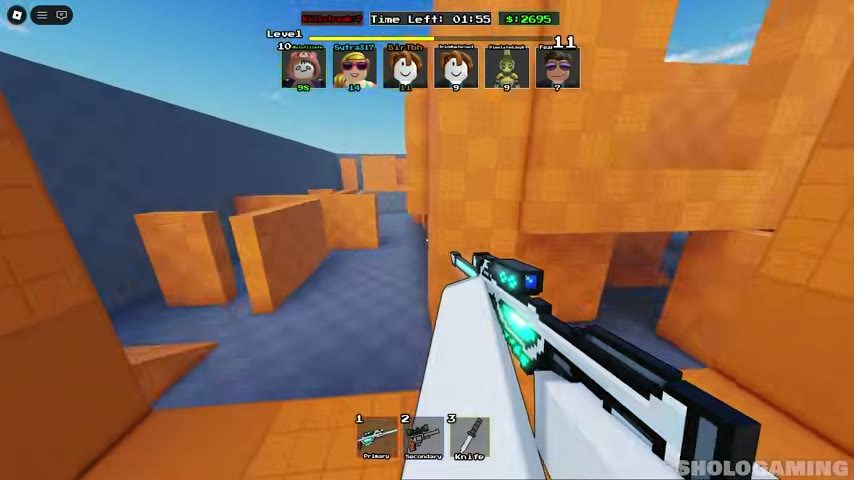
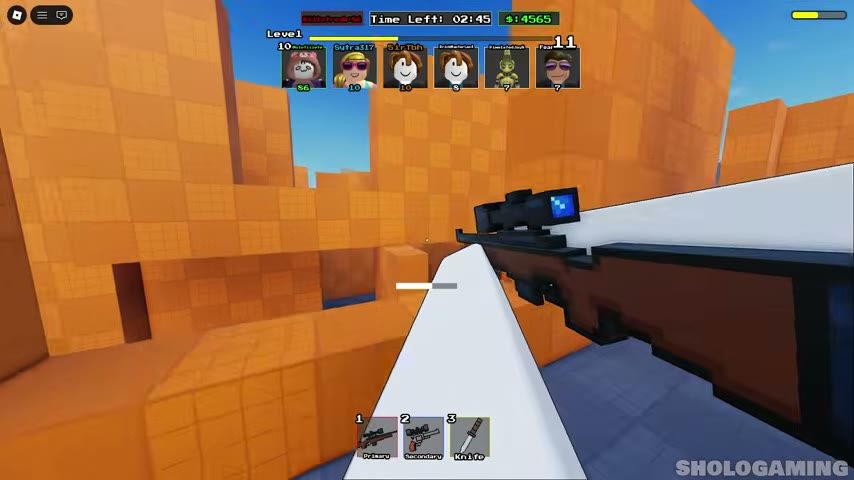
- Scope at range, always. Scoped shots are steady; unscoped shots wobble. If the target is more than a flick away, scope first.
- Never scope after contact. The duel was decided when the crosshair arrived — "see enemy, then scope" is a loss against anyone decent.
- Unscope to move. Walking scoped is slow and tunnel-visioned. Snap out, reposition, snap back.
What a quickscope actually is
A quickscope is scoping and firing in one motion: the scope tightens your aim on the way in, and the shot leaves as it settles. It's a real technique in One Tap — every highlight reel is full of it — but treat it as a consistency trick, not a magic button. The crosshair still has to arrive first; the scope just makes the arrival honest.
A warm-up that works (two minutes)
Don't queue cold. Before your first real match of a session:
- Play one match placement-only. Any loadout, no goals — think exclusively about parking your crosshair at head height. Ignore your deaths.
- Hold one lane. Predict where heads will appear, and have the crosshair waiting there before they do.
- End the match with one question. Did you lose duels to aim, or to position? The answer tells you which page to reread — this one, or tips & tricks.
| Drill | What it trains | Cost |
|---|---|---|
| Hold one lane for a whole match | Crosshair placement | 1 match |
| Scoped duels on the long sightlines | Steady first shots | 1 match |
| Knife rotations, then swap-and-fire | Slot discipline | 5 minutes |
| Reading the kill feed between fights | Map awareness | Free |
Mouse setup, briefly
- Disable pointer acceleration in your OS mouse settings. Acceleration makes the same hand movement travel different distances — and consistency is the whole game when one shot ends everything.
- Comfortable beats fast. If your sensitivity is high enough to spin, it's too high to track a walking enemy.
- Give yourself room. A mousepad big enough for a full sweep without lifting is the one hardware upgrade that objectively helps this game.
The one-line version
Keep in-game sensitivity at default, shrink your crosshair, scope before corners, and warm up with a placement-only match. That's the whole aim guide — the other half of winning lives in weapons & loadouts and positioning.
Verified against the live game on 2026-09-30. Techniques marked as community experience come from experienced players, not official sources.